Vexil LLCBlog
Notes from the studio.
Guides, updates and behind-the-scenes notes from Vexil, an independent studio making apps and games: how we build them and how to get the most out of them.
RSS feed8 posts

6 min read
8 Game Analytics Events Every Mobile Game Should Track
The 8 game analytics events that answer the questions that matter: where players quit, what they buy, which ads they watch and what crashes. With names and code.
10 min read
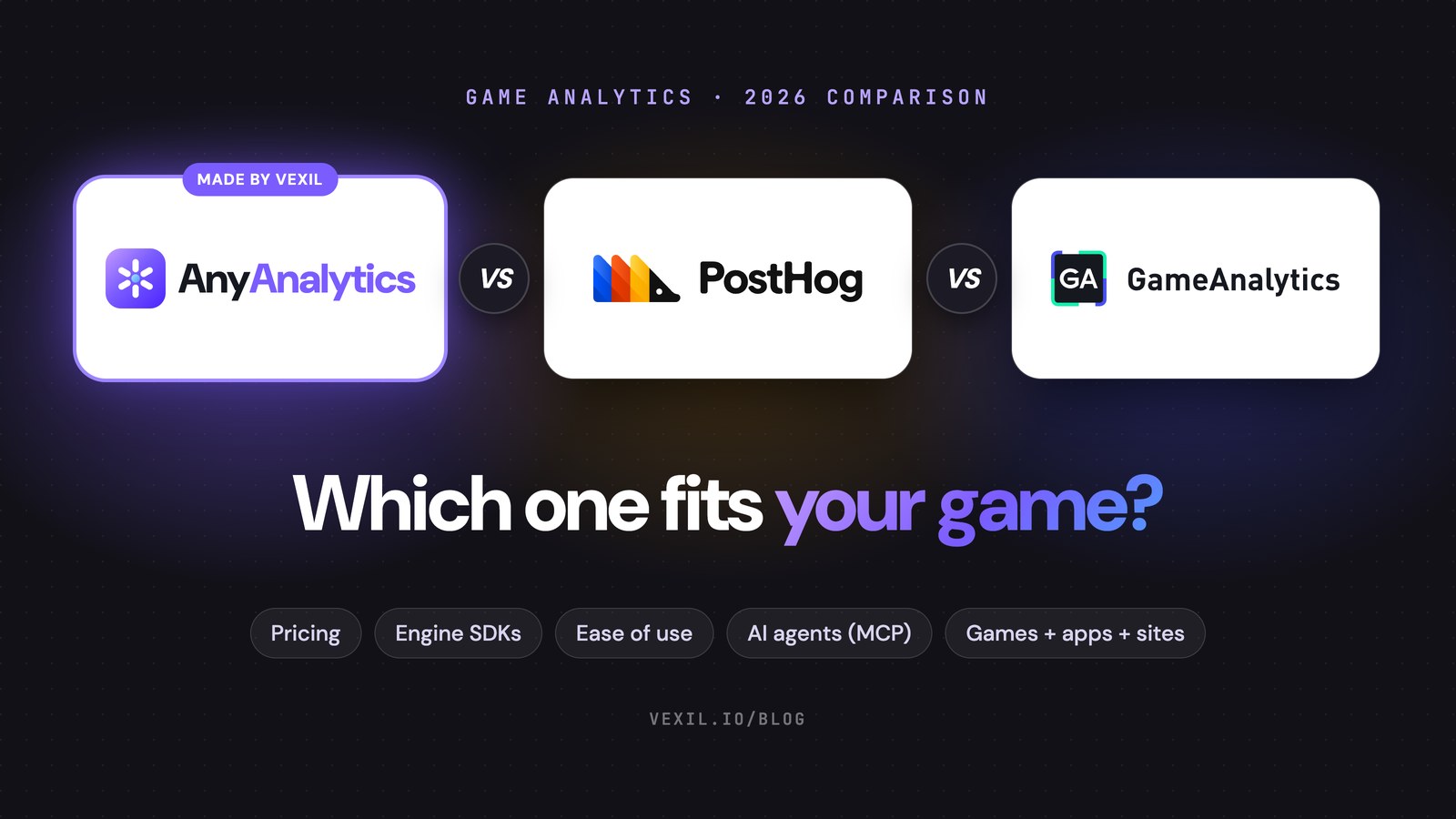
GameAnalytics vs PostHog vs AnyAnalytics for Indie Games
GameAnalytics vs PostHog vs AnyAnalytics for indie games: pricing, engine SDKs, ease of use, AI agents over MCP, and one dashboard for games, apps and websites.
8 min read
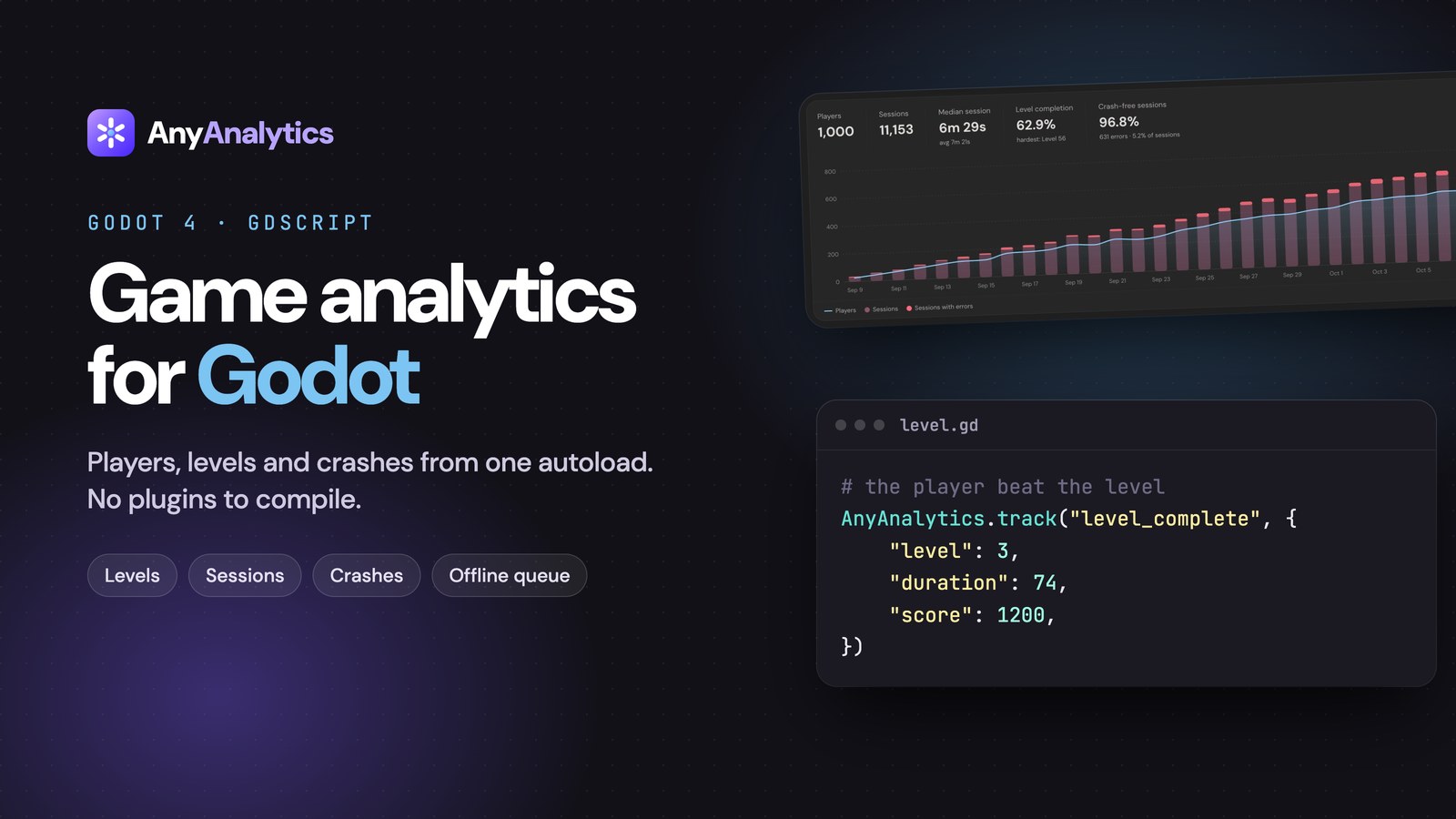
Godot 4 Analytics: Track Levels with One GDScript Autoload
Add Godot 4 analytics with one GDScript autoload. Track level completion, fail rates and game versions in a ready-made Game report. Code included.

7 min read
Level Funnels: How to Find the Level Where Players Quit
Find levels worth investigating with reach counts, completion rates and fail reasons. Learn to compare cohorts and game versions, with report screenshots.

7 min read
Unity Game Analytics: Send Your First Event in 5 Minutes
Add Unity game analytics with one C# file. Verify your first event, then track level completion and fail rates in a built-in Game report. Code included.
7 min read
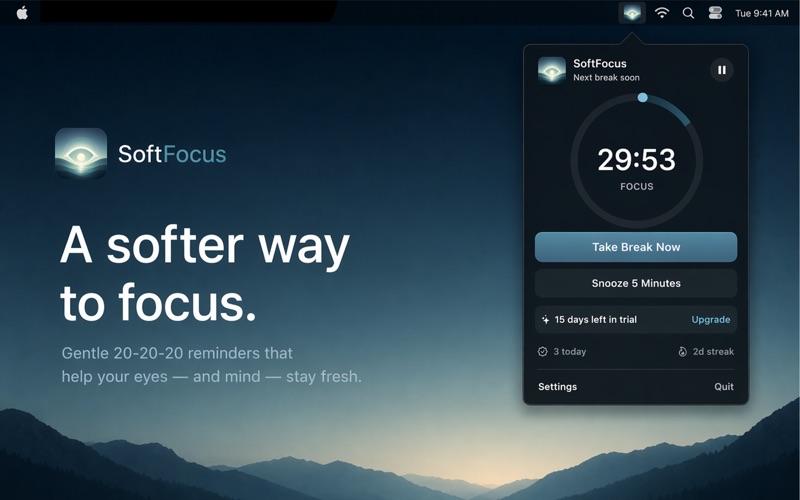
20-20-20 Rule for Mac: Eye Break Reminders with Blink
Follow the 20-20-20 rule on your Mac with Blink. Learn how eye breaks work, set up reminders, and explore free features, Pro tools, and screenshots.
5 min read
Eye Break Reminder for Mac: Is Blink Right for You?
Looking for an eye break reminder for Mac? Explore Blink's menu bar timer, multi-monitor breaks, meeting pauses, free tier, and one-time Pro upgrade.
6 min read
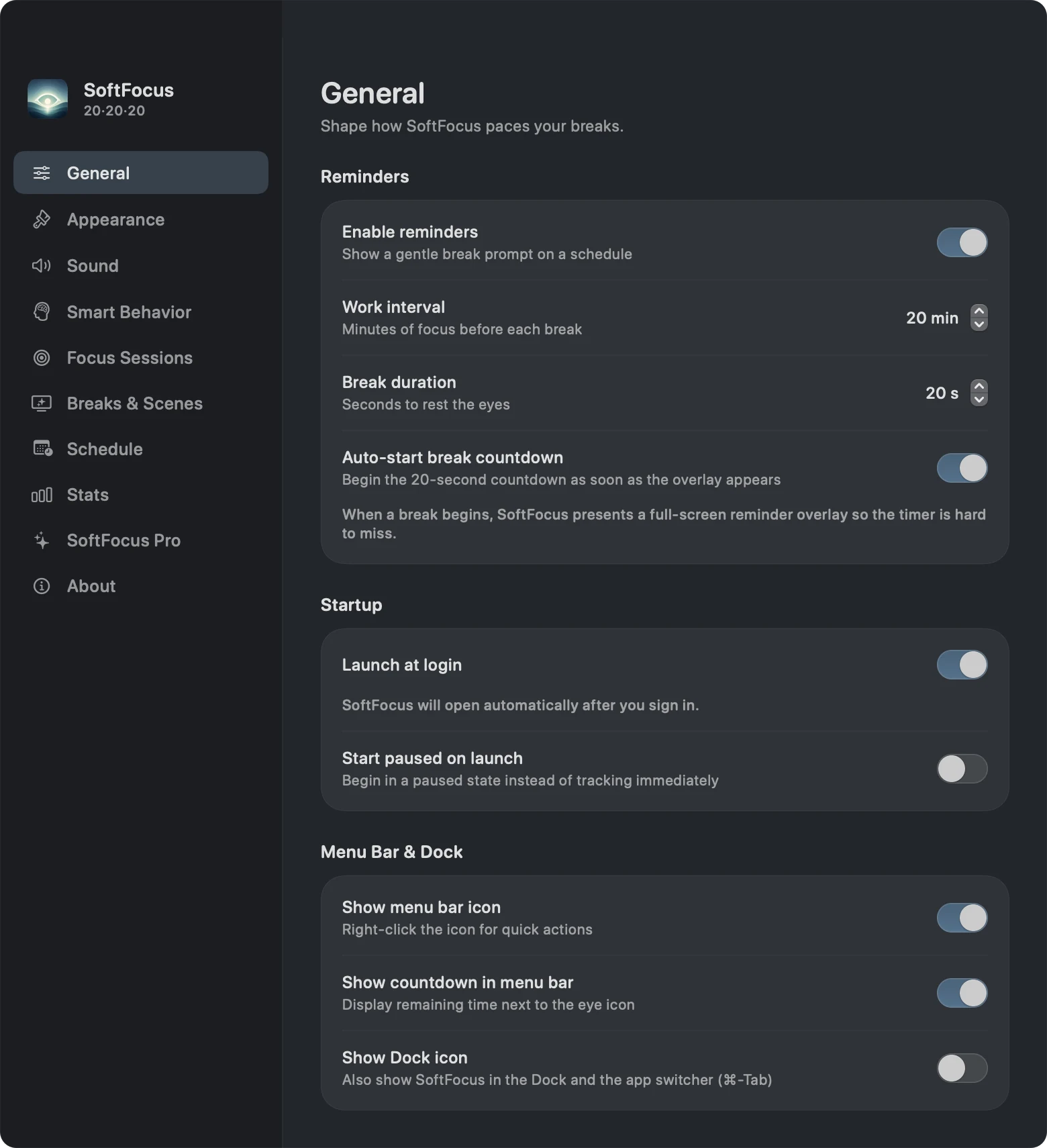
How to Set Up Blink on Mac: Timer, Breaks, and Meetings
Set up Blink on your Mac with this screenshot guide. Configure eye-break reminders, launch at login, meeting pauses, scenes, and focus sessions.