You shipped the build. Players are in. And you have no idea what they're doing. Maybe they love level 3. Maybe they rage-quit at level 3 and uninstall. Without analytics in your Unity game, those two outcomes look exactly the same from your desk: silence.
Add AnyAnalytics, the analytics service we make at Vexil, with one C# file and verify your first event in Live events. Then send three level events to see completion rates, fail rates and median completion time in the built-in Game report. No chart setup required.
Start here: Unity 2020.2 or newer, a free AnyAnalytics project, and your first scene. The basic installation takes a few minutes; player identification and exception reporting are optional follow-ups.
What you'll have at the end#
- A session per game launch, with platform, app version, OS, device and locale attached automatically.
- Level starts, wins and fails feeding a ready-made Game report (hardest level, completion rates, median time per level).
- Optional reporting of logged exceptions, grouped by type, message and version.
- Optional player identification across devices using the same stable account ID.
You need Unity 2020.2 or newer and an AnyAnalytics project. The free plan doesn't ask for a card.
Step 1: Get the script from your dashboard#
The whole SDK is one C# file, and the dashboard gives it to you with your key already filled in:
- Sign up for AnyAnalytics (free plan, no card).
- Click Add site, choose Game as what you're tracking, and Unity as how you'll send events.
- You land on the Setup page. Make sure the Unity tab is selected, then click Copy on
AnyAnalytics.cs.
Lost the page? Open your project and click Setup in the sidebar at any time. Your key is also under Keys & API.
You can also read the script before signing up: it's on the Unity docs page. If you copy it from there, replace vxw_YOUR_WRITE_KEY with your own key.
The write key starts with vxw_ and can only send events, never read them, so it's safe to ship inside your game build. Nobody can pull your dashboard out of your APK with it.
Step 2: Drop in one C# file#
In Unity, create Assets/Scripts/AnyAnalytics.cs and paste the script into it. Then add the AnyAnalytics component to a GameObject in your first scene. It calls DontDestroyOnLoad, so it survives every scene change after that.
Press Play. The component sends a $session_start event as soon as it wakes up. That's your first event, done.
Here's what the file quietly handles so you don't have to:
| Problem | What the SDK does |
|---|---|
| Player is on a plane | Unsent events are buffered locally, saved periodically to Application.persistentDataPath, and retried later |
| Server says "slow down" (429) or hiccups (5xx) | Retries with backoff |
| A batch is sent twice after a network blip | Every event has a unique id, so duplicates are counted once |
| You track 200 events in one frame | They're batched: sent every 10 seconds, when 20 are queued, or when the app is paused |
Check initialization: calls made before the component's
Awakeare dropped with a warning. Track fromStart()or later; being in the same scene does not guarantee the order of different components'Awake()calls. The public script keeps up to 1,000 queued events and drops the oldest beyond that limit. It saves periodically and on pause or quit, so a sudden process termination can lose events not yet saved.
Step 3: Verify your first accepted event#
Open Live events in your project and press Play. Allow about 10 seconds for the SDK's first batch. Look for an accepted $session_start; rejected events include a reason. After adding the level calls below, check their names and properties against the event table. A custom name such as levle_start can be accepted without feeding the Game report.
Step 4: Track your first custom event#
AnyAnalytics.Track is static, so you can call it from any script:
using System.Collections.Generic;

AnyAnalytics.Track("item_crafted", new Dictionary<string, object>
{
    { "item", "fire_sword" },
    { "rarity", "epic" },
    { "materials_used", 3 },
});
Two naming habits will save you pain later:
- Past tense, snake_case for custom events:
item_crafted,boss_defeated,shop_opened. Keep the built-in level names below exactly as documented. - Generic names, details in properties. Send
level_completewith{ level: 7 }, notlevel_7_complete. Otherwise you end up with 80 event names and a dashboard that looks like a ransom note.
Property values can be strings, numbers, booleans, lists and nested dictionaries.
Step 5: Track levels for the Game report#
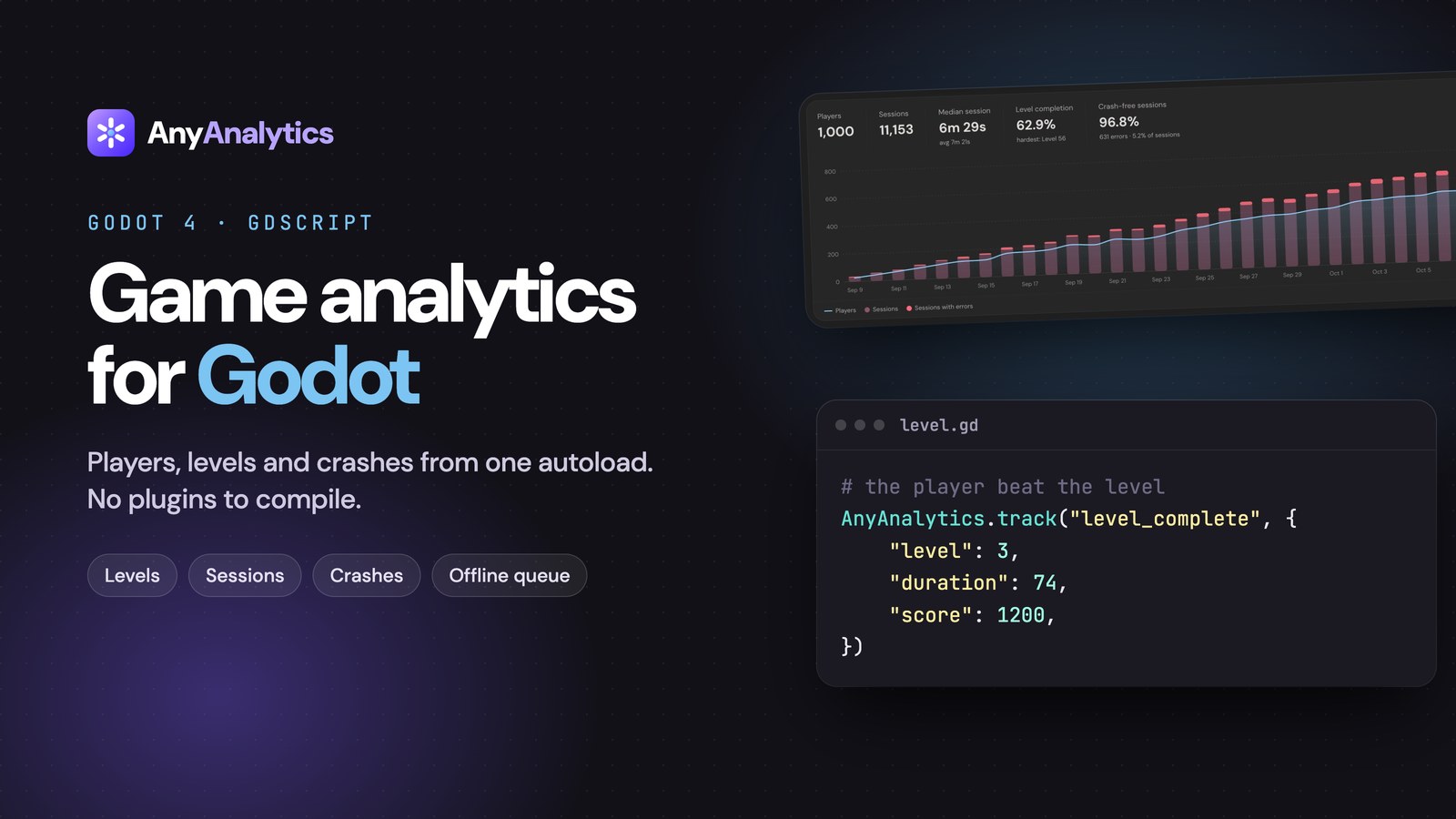
The Game report builds itself from three event names. Send them and you get per-level completion and fail rates without building a single chart:
using System.Collections.Generic;

// When the player starts a level
AnyAnalytics.Track("level_start", new Dictionary<string, object> { { "level", 3 } });

// When they win it...
AnyAnalytics.Track("level_complete", new Dictionary<string, object>
{
    { "level", 3 },
    { "duration", 74 },   // seconds
    { "score", 1200 },
});

// ...or lose it
AnyAnalytics.Track("level_fail", new Dictionary<string, object>
{
    { "level", 3 },
    { "duration", 41 },
    { "reason", "died" },
});
Use the same level value on the start and the end of an attempt, or they won't line up. level can be a number or a name: numbers sort naturally (1, 2, 10) and names like "boss" come after them.
Explore the Game demo to try the report before adding it to your own game.
We wrote a whole post on reading this table: Level funnels: how to find the level where players quit.
Optional: Identify players who sign in#
Every install gets a random player id saved in PlayerPrefs. When a player logs in to your backend (or Steam, or Game Center), switch to your own id:
// After the player signs in
AnyAnalytics.Identify(player.Id, new Dictionary<string, object>
{
    { "name", player.DisplayName },
    { "platform", "steam" },
});
Their earlier anonymous events are merged into the same player, and the id sticks across launches. The same person on a phone and a Steam Deck becomes one player with both histories, not two strangers.
Use a stable id from your database, not an email address.
Optional: Report logged exceptions#
Errors use the $exception event. This example forwards LogType.Exception messages received on Unity's main thread as non-fatal errors. Save it as ErrorReporter.cs and add it to the same GameObject as AnyAnalytics so it survives scene changes too. It does not capture native crashes, out-of-memory termination, or every background-thread error.
using System.Collections.Generic;
using UnityEngine;

public class ErrorReporter : MonoBehaviour
{
    void OnEnable() => Application.logMessageReceived += OnLog;
    void OnDisable() => Application.logMessageReceived -= OnLog;

    void OnLog(string message, string stackTrace, LogType type)
    {
        if (type != LogType.Exception) return;
        int colon = message.IndexOf(':');
        AnyAnalytics.Track("$exception", new Dictionary<string, object>
        {
            { "$exception_type", colon > 0 ? message.Substring(0, colon) : "Exception" },
            { "$exception_message", colon > 0 ? message.Substring(colon + 1).Trim() : message },
            { "fatal", false },
        });
    }
}
If you detect a fatal condition while the process can still send or save an event, report it with fatal: true. Those reported events count against crash-free sessions; this metric does not account for crashes that prevented an event from being recorded.
Errors are grouped by type and message, so keep changing details like player ids or file paths out of the message. Then the Game report can tell you which version brought the pain:
What to track next#
Once your level events are verified, add economy and monetization events: currency earned and spent, rewarded ads, purchases. We put together a cheat sheet: 8 events every mobile game should track.
If you're choosing between tools, here's our honest take on GameAnalytics vs PostHog vs AnyAnalytics.
FAQ#
Does analytics slow down my Unity game?#
The SDK batches network requests every 10 seconds or once 20 events are queued. Event serialization and periodic queue saves still do work on the main thread. Avoid per-frame events and profile on your target devices.
Does it work offline?#
Yes. The SDK saves its bounded queue periodically and retries undelivered events later. Events retain their original timestamps. The public script keeps up to 1,000 queued events; sudden termination before a save can lose recent events.
Which Unity version do I need?#
Unity 2020.2 or newer.
Can I use it with Godot, iOS or Android too?#
Yes. AnyAnalytics has a Godot SDK, plus Swift and Kotlin SDKs, and an HTTP API for Unreal or any other engine. They all report into the same dashboard.
How much does it cost?#
There's a free plan for up to 2,000 monthly players and 1 game or app, plus a 14-day trial of Max with no card. Paid plans start at $9 a month for up to 5,000 monthly active players, and you pay for players rather than events. See the pricing.
See your own level report#
Start free with AnyAnalytics, add the C# file, and verify your first event. Send the three level events to populate the Game report, then compare levels once you have enough attempts. Need implementation details? Read the full Unity docs.