Here's the trap almost every first game falls into: you add analytics, get excited, and track everything. button_pressed. menu_opened. player_jumped, 40,000 times a day. A month later you have a mountain of events and still can't answer the one question you care about: why are players leaving?
The fix isn't more events. It's the right events. These eight game analytics events cover progression, economy, monetization and stability, which is most of what you'll ever need to decide what to fix next. We use these exact names in AnyAnalytics, but they're good habits in any tool.
The cheat sheet#
| # | Event | Answers | Key properties |
|---|---|---|---|
| 1 | level_start | How many players reach each level? | level |
| 2 | level_complete | Which levels do they beat, and how fast? | level, duration, score |
| 3 | level_fail | Where and why do they lose? | level, duration, reason |
| 4 | resource_earned | Where does currency come from? | resource, amount, source |
| 5 | resource_spent | What do players actually buy with it? | resource, amount, item |
| 6 | ad_watched | Which rewarded-ad placements get completed views? | placement, reward |
| 7 | purchase_completed | What earns money, and from whom? | item, revenue, currency |
| 8 | $exception | What breaks, and in which build? | $exception_type, $exception_message, fatal |
The SDKs attach session and device context; the service derives country from the incoming request. Session rules vary by SDK, so see the FAQ below.
Download the game event checklist for the names, properties and a validation plan. Choose Unity, Godot or JavaScript on each example below. Initialize the SDK first: Unity setup, Godot setup, or JavaScript setup. In Unity, put the calls inside your gameplay methods and add using System.Collections.Generic; at the top of the script.
Progression: the three level events#
1. level_start#
Send it once when each attempt begins, including retries. It provides the denominator for attempt completion and fail rates; unique players are a separate count.
AnyAnalytics.Track("level_start", new Dictionary<string, object>
{
    { "level", 3 },
});
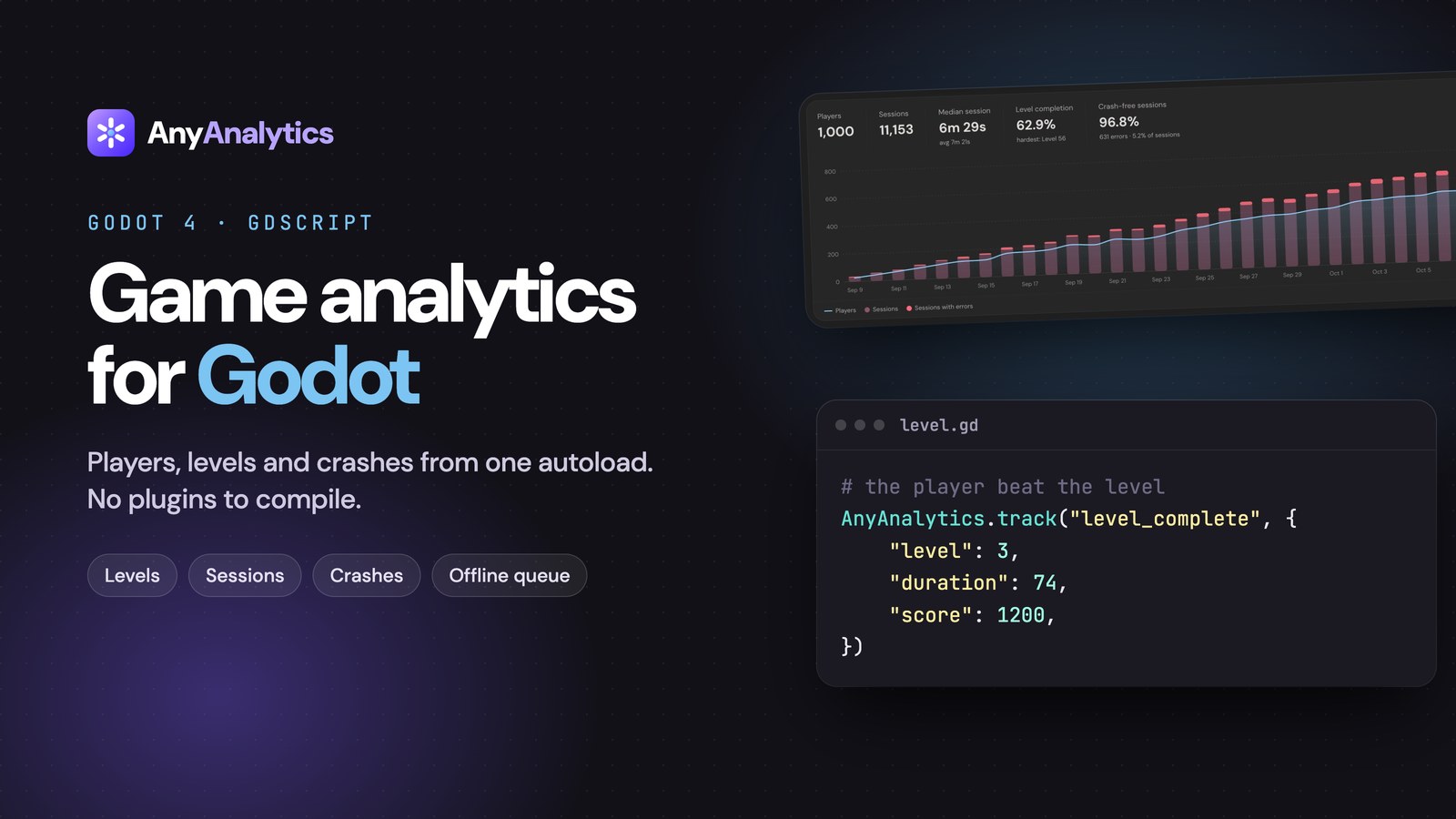
AnyAnalytics.track("level_start", {
	"level": 3,
})
analytics.track("level_start", { level: 3 });
2. level_complete#
Send it when the player wins. Include duration in seconds, and a score if your game has one.
AnyAnalytics.Track("level_complete", new Dictionary<string, object>
{
    { "level", 3 },
    { "duration", 74 },
    { "score", 1200 },
});
AnyAnalytics.track("level_complete", {
	"level": 3,
	"duration": 74,
	"score": 1200,
})
analytics.track("level_complete", { level: 3, duration: 74, score: 1200 });
3. level_fail#
The most underrated event in game dev. Include a reason, because "players fail level 12" is a shrug, while "players fail level 12 to the timer" is a fix.
AnyAnalytics.Track("level_fail", new Dictionary<string, object>
{
    { "level", 3 },
    { "duration", 41 },
    { "reason", "timeout" },
});
AnyAnalytics.track("level_fail", {
	"level": 3,
	"duration": 41,
	"reason": "timeout",
})
analytics.track("level_fail", { level: 3, duration: 41, reason: "timeout" });
Pick a short list of reasons ("died", "timeout", "quit") and stick to it. Together, these three events give you a per-level table like this, with no charts to build:
Explore the Game demo to try these views with sample data.
And breaking level_fail down by reason shows how players lose:
Rule of thumb: use the same
levelvalue on the start and end of an attempt, and keep it the same type everywhere. Iflevelis a number on one event and"3"on another, your reports won't line up.
We go deep on reading these numbers in Level funnels: how to find the level where players quit.
Economy: what goes in, what comes out#
4. resource_earned#
Every time the player gains soft or hard currency. The source property is the important one: it tells you whether gold comes from quests, daily rewards, or a farming exploit you didn't know existed.
AnyAnalytics.Track("resource_earned", new Dictionary<string, object>
{
    { "resource", "gold" },
    { "amount", 50 },
    { "source", "quest" },
});
AnyAnalytics.track("resource_earned", {
	"resource": "gold",
	"amount": 50,
	"source": "quest",
})
analytics.track("resource_earned", { resource: "gold", amount: 50, source: "quest" });
5. resource_spent#
The other side of the ledger. If players earn plenty of gold but never spend it, your shop isn't tempting. If they run dry by level 10, your economy is too tight and they'll quit (or pay, which is a design choice you should make on purpose).
AnyAnalytics.Track("resource_spent", new Dictionary<string, object>
{
    { "resource", "gold" },
    { "amount", 30 },
    { "item", "sword" },
});
AnyAnalytics.track("resource_spent", {
	"resource": "gold",
	"amount": 30,
	"item": "sword",
})
analytics.track("resource_spent", { resource: "gold", amount: 30, item: "sword" });
Compare the two in a trends chart with Sum of property on amount and you have your game's inflation graph.
Monetization: ads and purchases#
6. ad_watched#
Send ad_watched from the rewarded-ad SDK's confirmed completion callback, with a placement that identifies the offer. It counts completed views, not how often the offer was shown. To compare acceptance rates, also track ad_offer_shown per placement and divide completions by offers.
AnyAnalytics.Track("ad_watched", new Dictionary<string, object>
{
    { "placement", "extra_life" },
    { "reward", true },
});
AnyAnalytics.track("ad_watched", {
	"placement": "extra_life",
	"reward": true,
})
analytics.track("ad_watched", { placement: "extra_life", reward: true });
7. purchase_completed#
Any event with a numeric revenue property counts as money. Send the amount in major units (4.99, not 499) with an ISO currency:
AnyAnalytics.Track("purchase_completed", new Dictionary<string, object>
{
    { "item", "gem_pack_s" },
    { "revenue", 4.99 },
    { "currency", "USD" },
});
AnyAnalytics.track("purchase_completed", {
	"item": "gem_pack_s",
	"revenue": 4.99,
	"currency": "USD",
})
analytics.track("purchase_completed", { item: "gem_pack_s", revenue: 4.99, currency: "USD" });
That one property unlocks revenue and revenue per player across your reports. One warning: a write key ships inside your game, so a determined player could send a fake purchase. For real money, send this event from your server after the store confirms the receipt.
Stability: the event you hope stays quiet#
8. $exception#
Send an error you recorded; fatal: true marks a reported fatal condition and counts against crash-free sessions. This event alone does not capture native crashes or terminations that prevent the process from sending or saving it. fatal: false marks a non-fatal error.
AnyAnalytics.Track("$exception", new Dictionary<string, object>
{
    { "$exception_type", "NullReferenceException" },
    { "$exception_message", "Object reference not set" },
    { "fatal", false },
});
AnyAnalytics.track("$exception", {
	"$exception_type": "NullReferenceException",
	"$exception_message": "Object reference not set",
	"fatal": false,
})
analytics.track("$exception", {
  $exception_type: "NullReferenceException",
  $exception_message: "Object reference not set",
  fatal: false,
});
Errors are grouped by type and message, so keep changing details like ids and file paths out of the message. In return you get crash-free sessions per platform and version, so a broken build gets noticed before the 1-star reviews do:
Events you can skip (for now)#
- Every button press. Track decisions, not taps.
shop_openedis useful;button_clickedwith 300 different labels isn't. - Per-frame or per-jump events. If it happens 50 times a minute, count it and send the total on
level_complete({ jumps: 212 }). - Level-specific event names.
level_7_completeturns one chart into 80. Use one name and alevelproperty. - Personal data you don't need. Properties are stored as you send them. Player ids yes, home addresses no.
How to name events so future-you doesn't cry#
- Keep built-in game names exactly as documented. For custom events, use past tense and snake_case:
purchase_completed, notPurchaseCompleteorbuy. - Names are case-sensitive.
Level_Startandlevel_startare two different events. - Same property, same type, everywhere. Choose numeric level IDs or a consistent string ID scheme, then use it on every start, completion and failure.
3and"3"are different values. - Don't start your own names with
$. That prefix is reserved for events the SDKs send for you, like$session_start.
Sending them from your engine#
The examples above use the same event names and property values in all three engines. For installation and SDK details:
- Unity:
AnyAnalytics.Track("level_start", new Dictionary<string, object> { { "level", 3 } });(full walkthrough: How to add analytics to a Unity game in 5 minutes) - Godot, iOS and Android: see the Godot, Swift and Kotlin guides.
- Anything else (Unreal, GameMaker, your own engine): one POST to the HTTP API.
FAQ#
How many events should a mobile game track?#
Start with these eight. They answer the big questions about progression, economy, monetization and stability. Add more only when you have a specific question an existing event can't answer.
Should I track tutorial steps?#
Yes. Send tutorial_step_completed with a consistent numeric step property, then build an ordered funnel with a filter for each step. This keeps tutorial steps separate from your numbered levels.
What's the difference between an event and a property?#
An event is what happened (level_fail). Properties are the details (level: 3, reason: "timeout"). Keep event names few and generic, and put the variety in properties.
Do I need an event for sessions?#
The Unity and Godot scripts in the linked guides send $session_start on startup and use one session per game launch. Other SDKs can use different inactivity rules; check the implementation you installed. You do not need to send a second startup event yourself.
Start with three, grow to eight#
If you only have an hour, ship the three level events. They power the most useful report in game analytics on day one. Then add the economy, ads, purchases and errors as you go.
Start free with AnyAnalytics. No card required. Verify the level events in Live events, then open the Game report to see completion and fail rates.