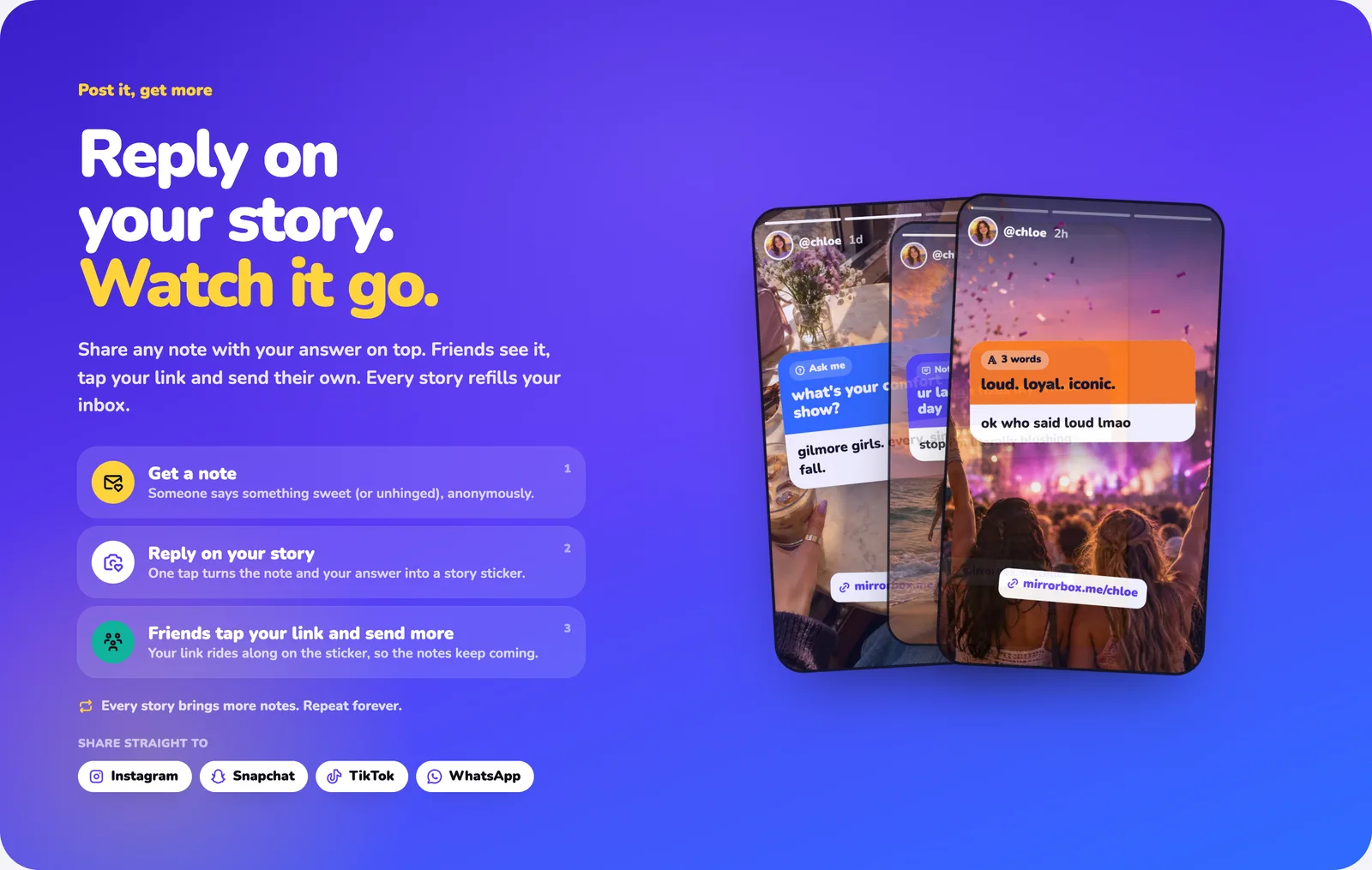
To get anonymous messages on Snapchat, attach an anonymous message link to a snap with Snapchat's paperclip (link) tool and post it to your story. Friends swipe up, write a note, and it arrives in your inbox without their name. This guide uses MirrorBox, which is free and runs in any browser, so you don't need to install another app, and neither do your friends.
The whole thing takes about two minutes.
What you need#
- Snapchat on your phone.
- A free MirrorBox link, like
mirrorbox.me/yourname. You sign in with Google, Apple or Discord.
Step 1: Claim your anonymous link#
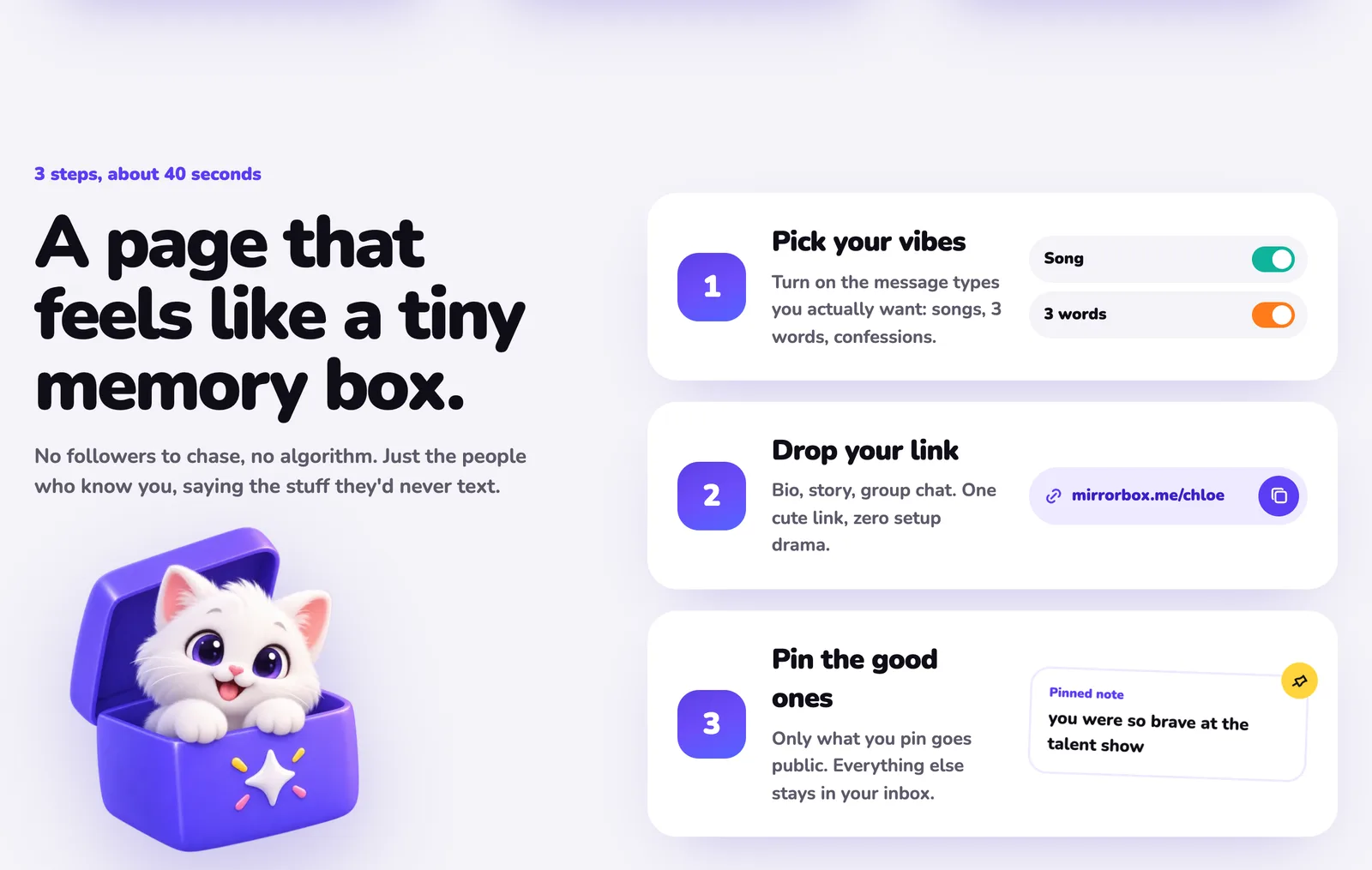
Open mirrorbox.me in your browser, type the name you want, and tap Claim my link. Sign in, confirm your age (MirrorBox is for 13 and over), and your page is live.
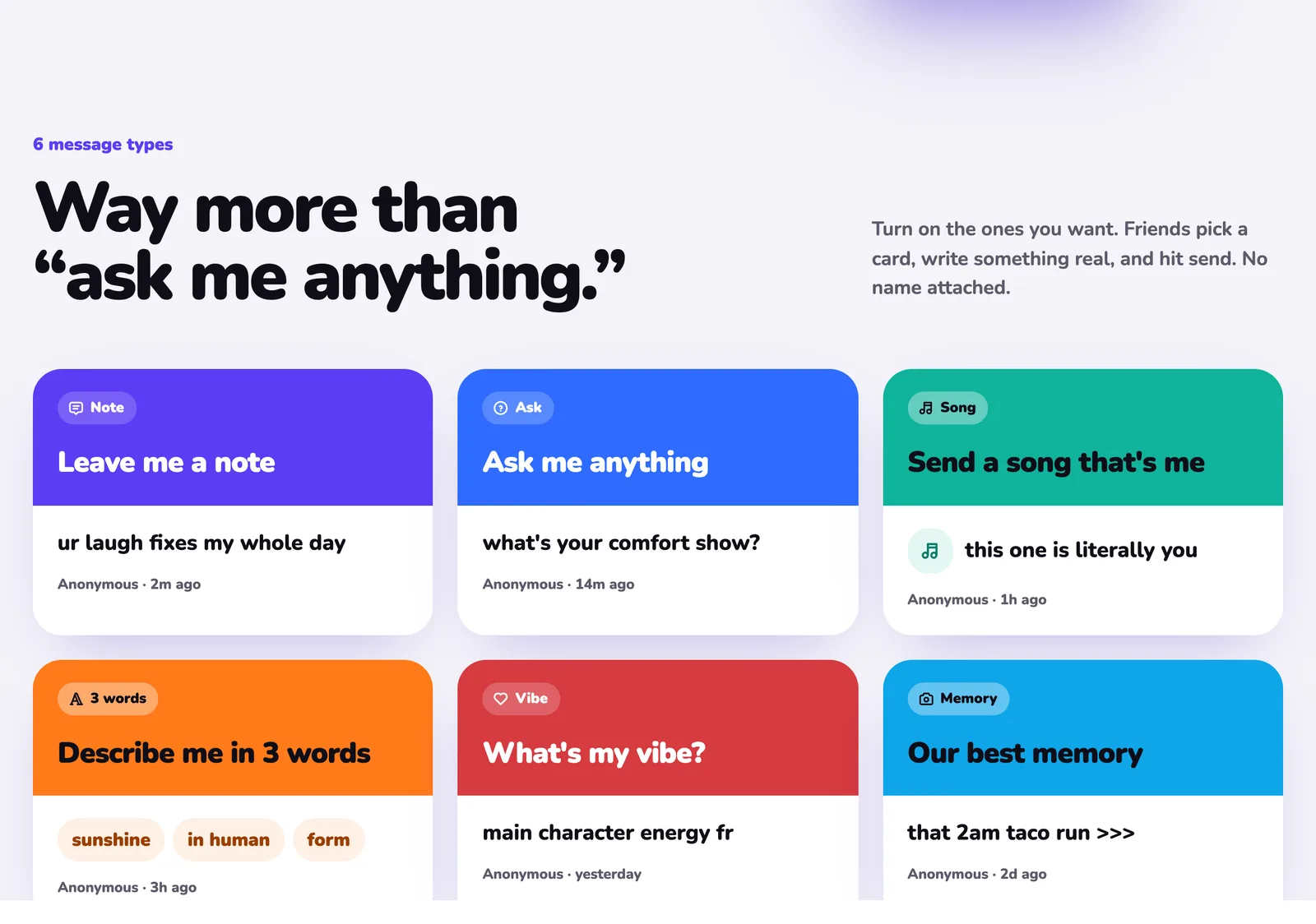
Pick which message types you want. There are six: Ask, Note, Song, 3 words, Vibe and Memory. 3 words and Ask get the most replies on Snapchat, because they're quick to answer.
Step 2: Copy your link#
Open your page and tap Share my page, or copy your link from your profile:
https://mirrorbox.me/yourname
Copy it before you open Snapchat. Snapchat shows recently copied links when you attach one, which saves typing.
Step 3: Attach it to a snap with the paperclip#
- Open Snapchat and take a photo or video, or pick one from your camera roll. A plain colour background with big text works great.
- Add text like "send me anonymous messages 👀" or "describe me in 3 words".
- Tap the paperclip icon in the toolbar on the right. If you don't see it, tap the screen once to bring the tools back.
- Paste your MirrorBox link and tap Go to preview it.
- Tap Attach to Snap. The paperclip turns white to show the link is attached.
- Send it to My Story, or straight to friends and group chats.
Viewers see a "More" label at the bottom of your snap and swipe up to open your link. Draw an arrow or add "swipe up ⬆️" so nobody misses it.
Step 4: Read and answer your messages#
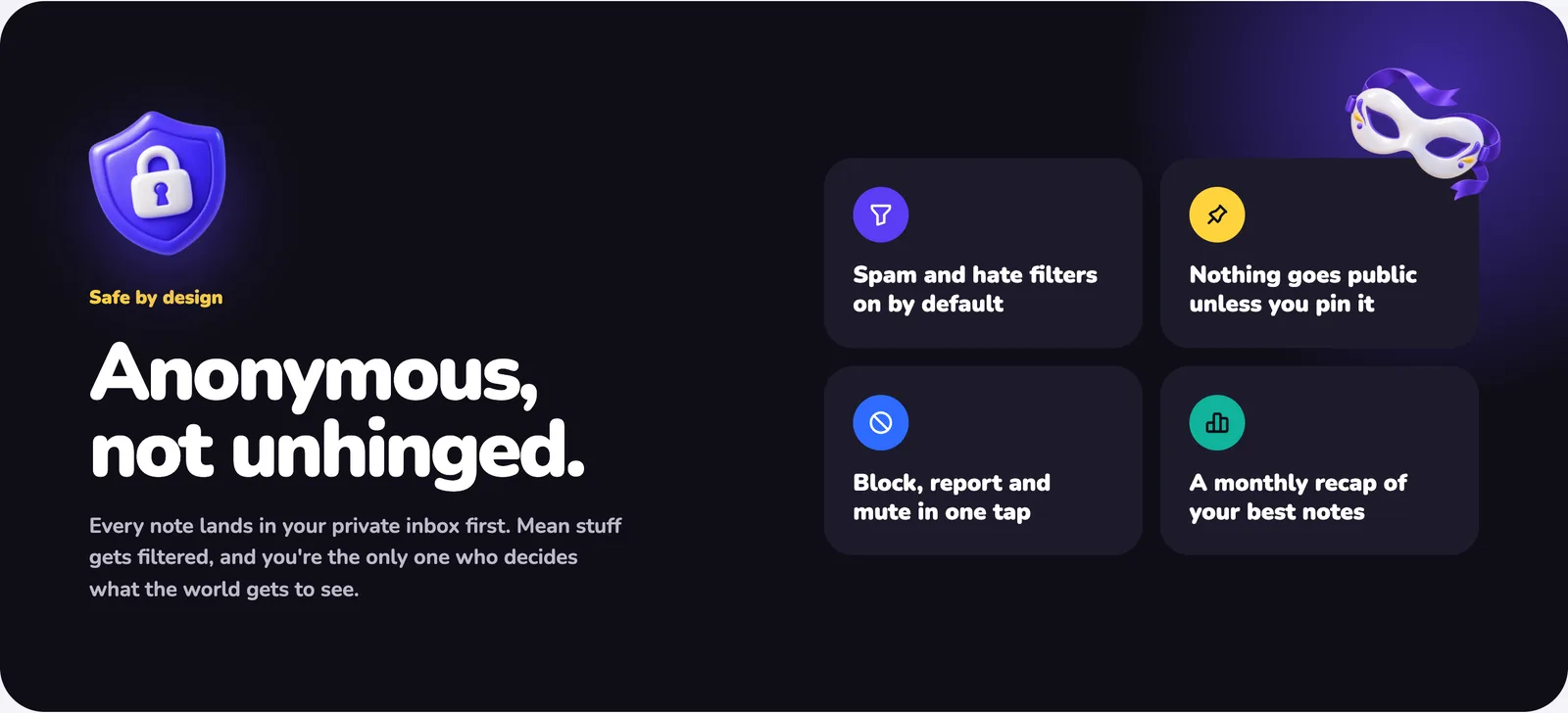
New notes land in your private MirrorBox inbox. Nothing goes public until you pin it.
To answer on Snapchat, write and publish your reply, then screenshot the note with your answer and post it as a new snap, with your link attached again. Every answer you post reminds people your link exists, so more messages come in.
In the iPhone and Android apps, which are coming soon, one tap turns a note and your answer into a ready-made story card. Everything above works in your browser today.
Snapchat tips for more messages#
- Ask something specific. "Describe me in 3 words" beats "send me anything." Need ideas? Here are 150+ describe-me-in-3-words ideas and 75 anonymous questions to ask your friends.
- Send it to group chats, not just your story. Friends in a chat are more likely to tap.
- Post replies often. People send more when they see you actually answer.
- Use the same link everywhere. It works on Instagram stories, TikTok and WhatsApp too.
Stay safe#
MirrorBox filters spam and hate by default and holds back harmful-looking notes. You can also limit messages to signed-in people or people you follow, mute words, pause your inbox, and block or report any note in one tap. MirrorBox never reveals who sent a message, and nobody can pay to find out. More in our guide: are anonymous message apps safe?
FAQ#
Do my friends need MirrorBox to send me a message?#
No. Your link opens in any browser. They pick a card, write and send, with no download and no account, unless you set your inbox to signed-in people only.
Can I see who sent a message?#
No. You only see a name if the sender chose to add one, or if they reveal themselves in a chat.
Why can't I find the paperclip in Snapchat?#
It only appears after you've taken or picked a snap. Tap the screen once if the editing tools are hidden.
Does it cost anything?#
No. MirrorBox is free. MirrorBox+ is an optional upgrade, and it never reveals senders.
Get your free MirrorBox link and post your first snap.